
Since 2015
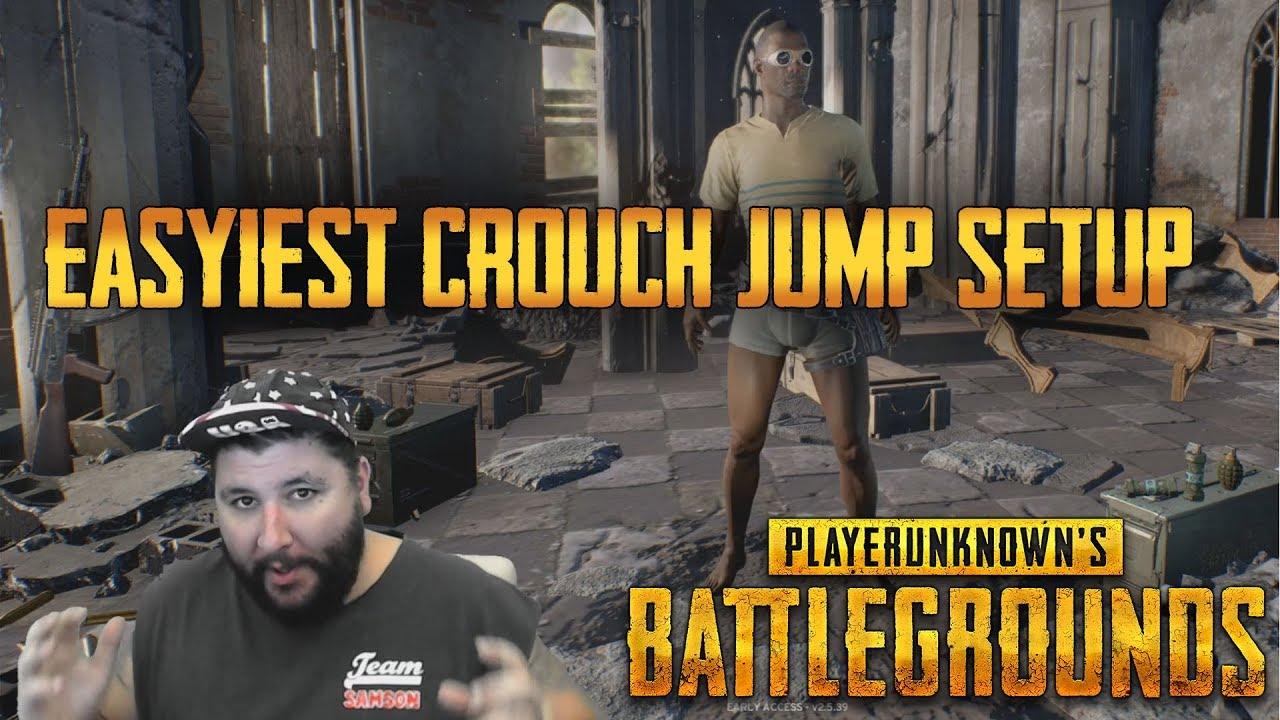
How to Crouch Jump in PUBG
Originally published September 2017
This guide is from 2017 and may be outdated
[PapaStanimus]
Entrepreneur, music lover, player of video games, and futurist. Crouch jumping is a bit confusing to new players, so I made this quick and easy guide explaining how to keybind your controls to easily accomplish a crouch jump. First, you will want to go into your settings. You can be either in-game, or simply in your menu. Does not matter. Click on the Control tab and scroll down until you see Jump and Crouch, and on the right hand side on Jump under keybind, press Ctrl+Spacebar. Then, on the right hand side on Crouch, press Ctrl+Spacebar once again, except this time, do not let go of Ctrl, only let go of Spacebar. While still holding Ctrl, guide your mouse down and hit OK and it will save your settings. No glitch required! At this point I suggest taking a few matches and landing far, far away from everyone else, and spending as much time jumping in and out of windows, over tall obsticals and such. Once you have the general idea, begin practing your newfound technique on other players in hot drop-zone areas like School or Military base, and enjoy the thrill of juking your opponents from awkward and unique angles!
From the archive
since 2015 · Tutorials, Twitch